
-
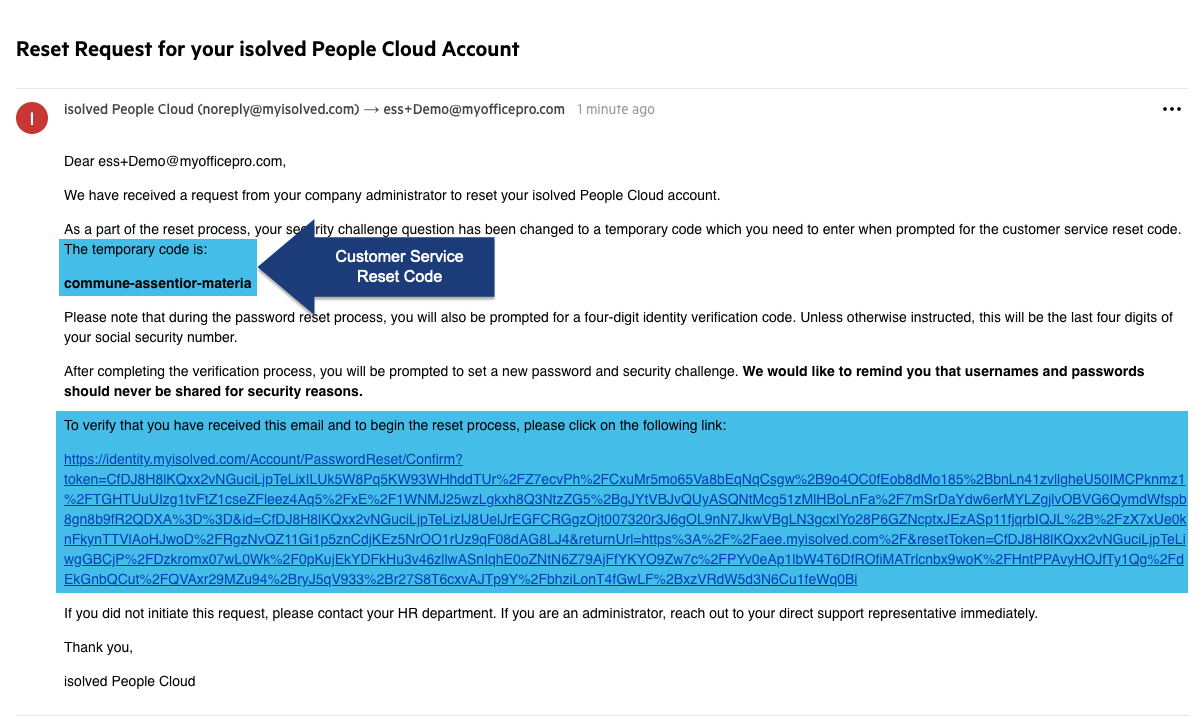
Receive an email from noreply@myisolved.com. Click the link to move to the next step.
-
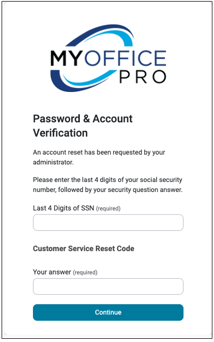
Enter the last 4 digits of your Social Security Number (SSN) and the Customer Service Reset Code.
-
You can copy and paste the reset code
-
-
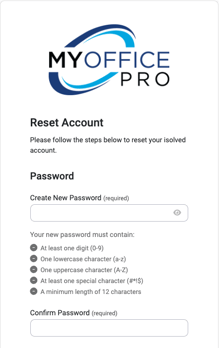
Set up new credentials, including a password, mobile phone number (optional), and security challenge questions.
-
Click Reset Account to complete the process.
Note: If a mobile phone number was entered, then an authorization code was texted to that number. Before continuing to the login screen, enter the authorization code texted to that number.