
-
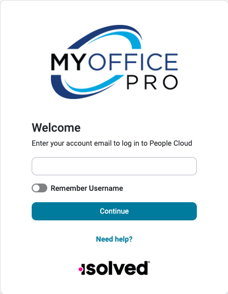
Navigate to www.myofficepro.myisolved.com/cloudservice
-
Key in your username
-
Click Continue
-
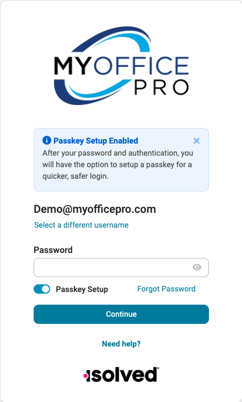
Click Forgot Password
-
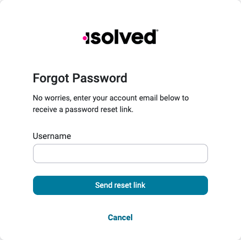
Enter your username.
-
Click Send Reset Link.
-
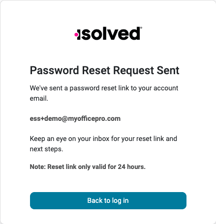
Click Back to Login
-
Note:
-
The reset link is only valid for 24 hours.
-
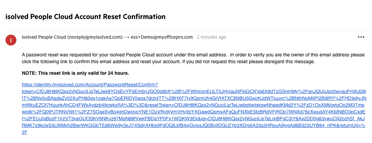
The password reset link will be sent to the inbox of the email listed
-
-
-
Click the link to reset your password.
-
The reset link is only valid for 24 hours.
-
-
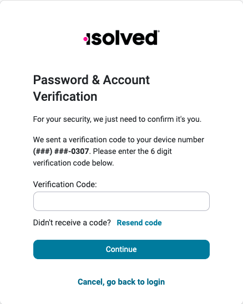
Verify the account.
-
If you are unable to verify the account, ask your employer to reset your ESS Account.
-