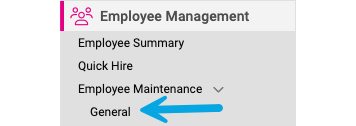
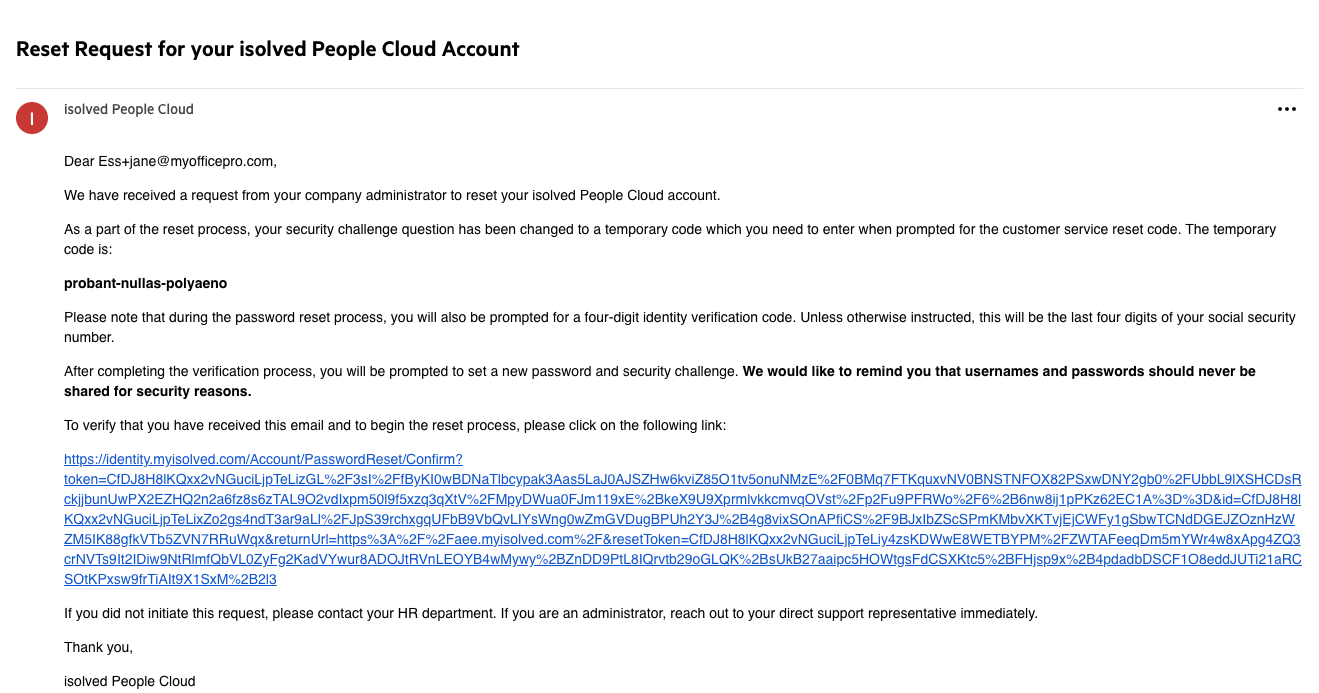
Reset ESS Login (Client User) Reset ESS Login can be used when an employee’s account has already been activated, and the employee is unable to log into their account. Go to: Employee Management > Employee Maintenance > General in the menu bar. Select the Employee from the Employee List. Click Reset ESS Login. The employee will receive an email with additional instructions.