
- Activation Emails can only be resent to an employee who has not activated their account. If an employee has already activated their account, Reset ESS Login must be initiated.
- If unsure if the account has been activated, then follow the instructions to Reset ESS Login. This will allow the employee to either create their account or reset their login.
-
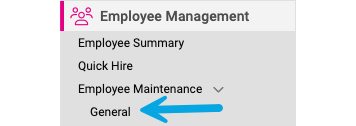
Go to: Employee Management > Employee Maintenance > General in the menu bar.
-
Select the Employee from the Employee List.

-
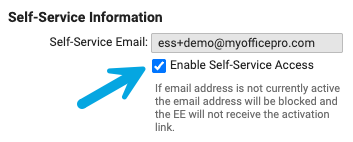
Uncheck Enable Self-Service Email.
-
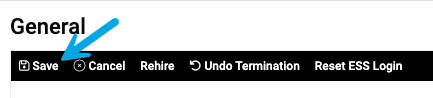
Click Save
-
Recheck the Enable Self-Service Access.
-
Click Save.