
-
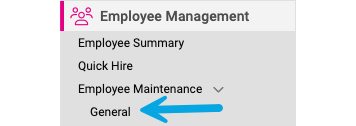
Go to: Employee Management > Employee Maintenance > General in the menu bar.
-
Select the Employee from the Employee List.

-
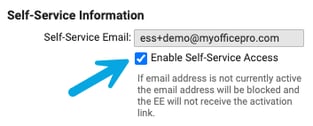
Uncheck Enable Self-Service Email.
-
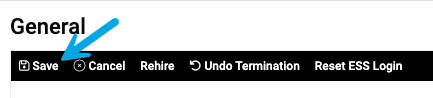
Click Save.
-
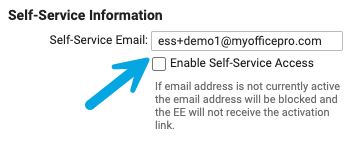
Update the email address. Recheck the Enable Self-Service Access.
-
Click Save.